INTERACTIVE KNOWLEDGE BASE

How Can We Help You?

Find quick answers, print setup guidelines, and interactive tutorials.
Quick Creation Guide

Quick Creation Guide

  • Select type: Website, vCard, WiFi, or PDF.
  • Enter target URL or contact details.
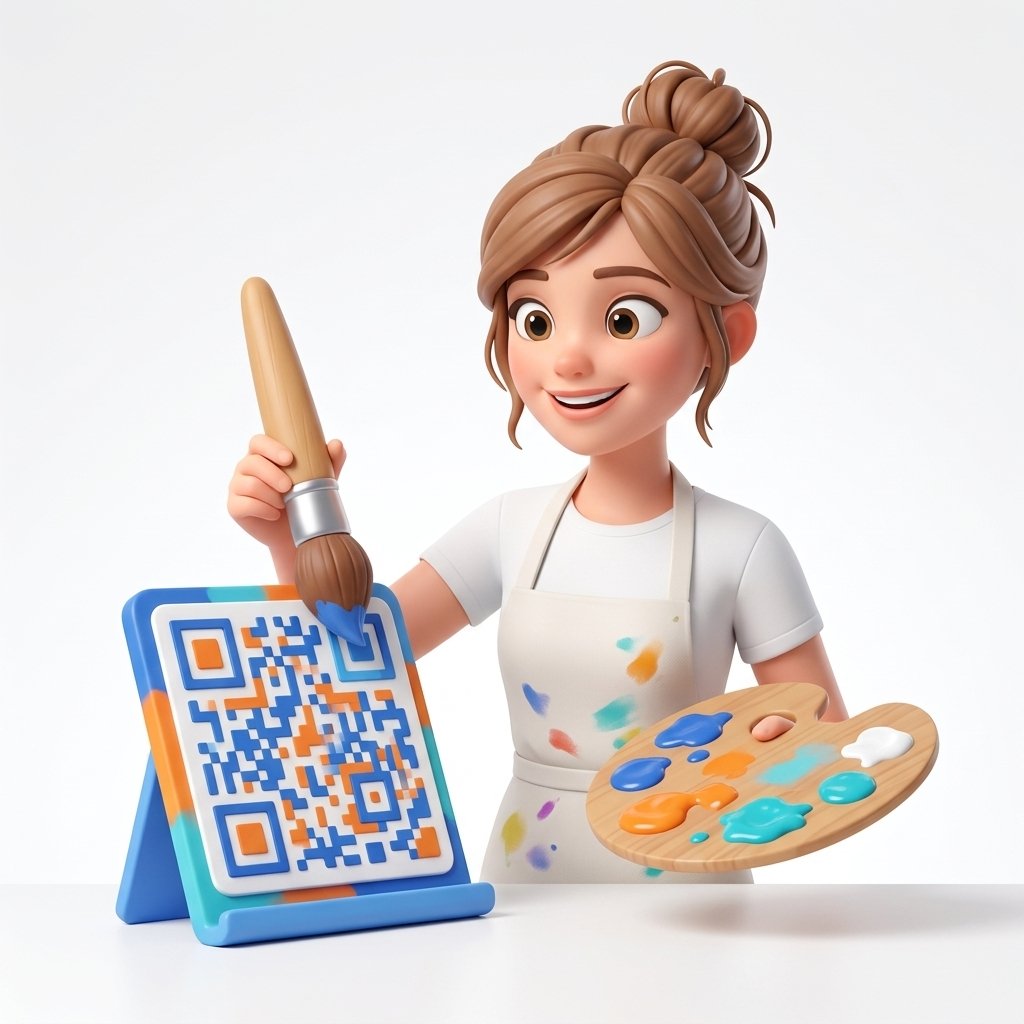
  • Customize dots, eyes, and logo frame.
  • Download instant PNG or vector SVG file.
Print Best Practices

Print Best Practices

  • Leave a 4mm quiet zone border buffer.
  • Maintain high contrast (dark dots on light bg).
  • Use vector SVG format for commercial printing.
  • Test printed proof with smartphone camera.
Folders & Campaigns

Folders & Campaigns

  • Organize QR codes into custom client folders.
  • Update destination target URLs anytime.
  • Pause active scan traffic when needed.
  • Track real-time scan count statistics.
Account & Tiers

Account & API Tiers

  • Starter Tier: 10 dynamic QR codes.
  • Advanced Tier: 75 dynamic QRs + REST API.
  • Pro Tier: 250 dynamic QRs & bulk CSV creator.
  • Download billing receipts in dashboard.
Logo & Custom Branding

Logo & Custom Branding

  • Upload corporate PNG or SVG brand logo.
  • Adjust center logo size and quiet margins.
  • Pick custom dot patterns and eye colors.
  • Save custom design templates for your team.
Scan Analytics & Reports

Scan Analytics & Reports

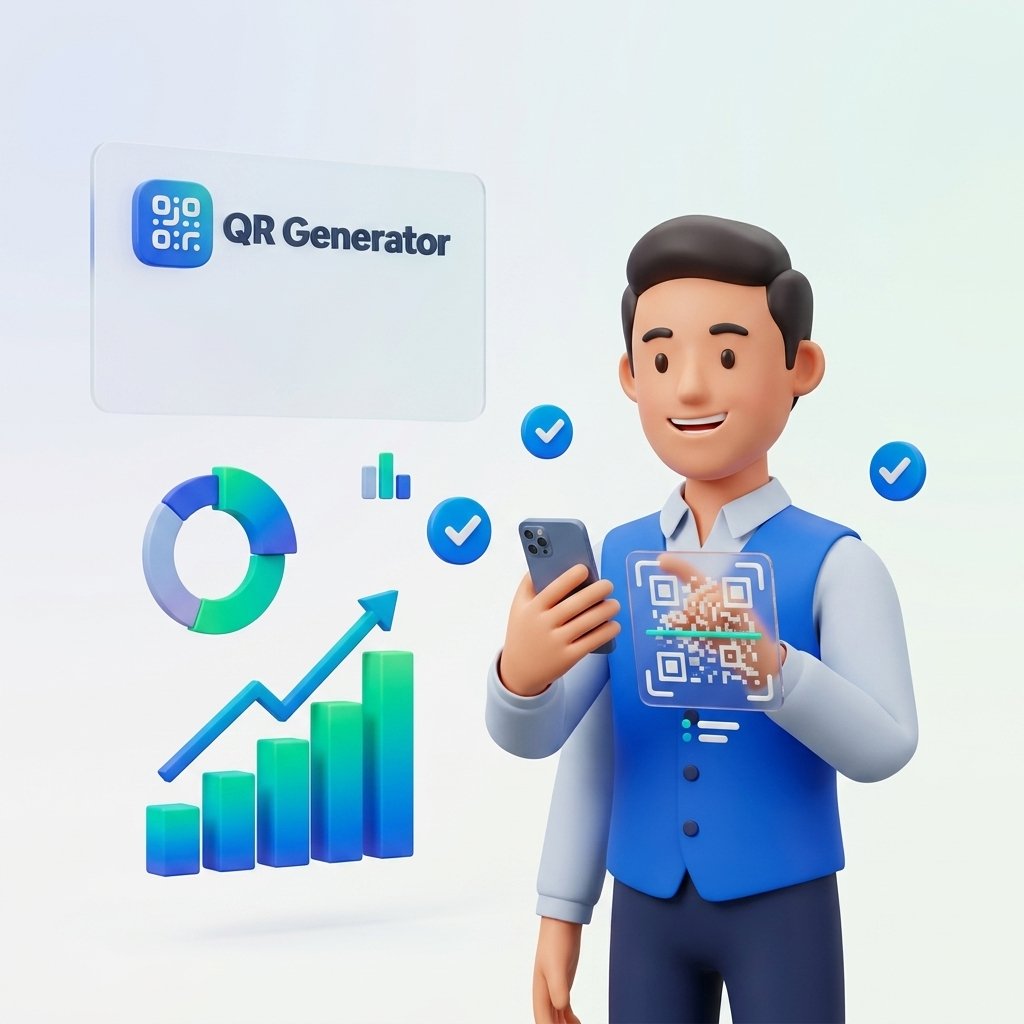
  • Monitor total vs unique scan volume.
  • Track mobile device OS and browser models.
  • Filter scan traffic by date range and region.
  • Export campaign performance CSV reports.
COMMON QUESTIONS

Frequently Asked Questions

Check for low contrast or missing 4mm quiet zone border spacing. Use SVG vector formats for crisp commercial printing.

Dynamic QR codes allow you to edit the destination link inside your dashboard anytime without re-printing physical materials.

PNG is best for web and digital displays. SVG is scalable vector format designed for high-resolution physical printing.

Yes, custom dot patterns, color selection, and center logo embedding are included across all account tiers.

NEED ASSISTANCE?

Still Have Questions?

Our support team is here to help you set up and optimize your custom QR campaigns.

Contact Support