Convert Contact Details to vCard QR Codes
Share your name, title, phone numbers, email, company, website, and location instantly with 1-click smartphone contact saving.
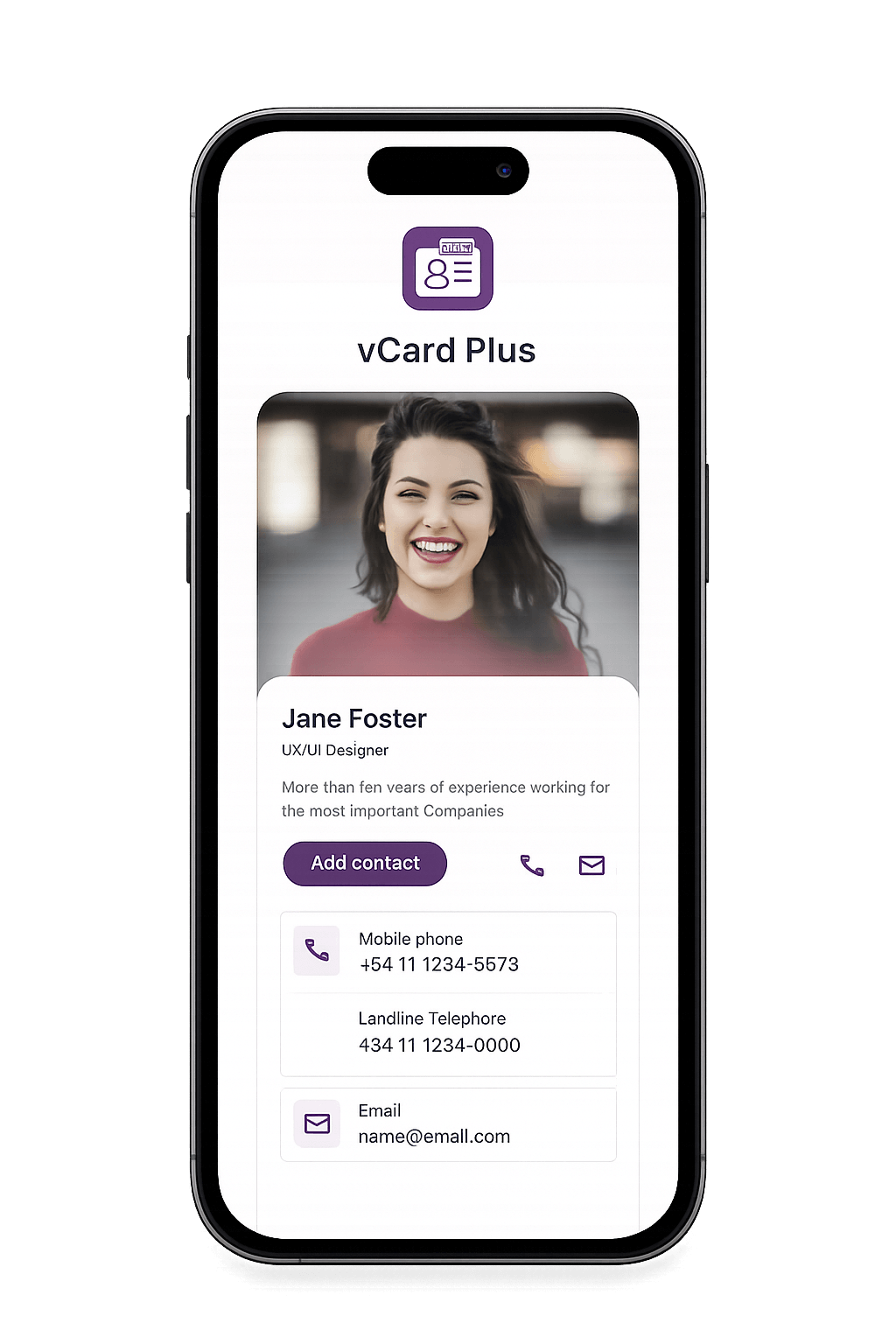
Never Print Paper Business Cards Again
Provide clients and business contacts an instant digital profile card that saves straight into iOS Contacts or Android Address Books with complete details.
-
Full Contact Fields: Name, job title, company, work/mobile phone, email, website, and office address.
-
Native VCF Standard: Universally compatible across Apple iOS, Android, and Windows devices.
-
Editable Details (Dynamic): Change your phone number or title anytime without re-printing cards.
-
High-Resolution Vector Export: Download SVG vector files ready for premium paper card printing.
How vCard QR Code Generation Works
Turn your contact credentials into an interactive mobile contact card in three easy steps.
1. Enter Contact Details
Fill in your contact information fields including name, company, phone, email, and website URL.
2. Customize Brand Design
Select corporate brand colors, customize dot module shapes, embed your logo, and add a custom "Save Contact" CTA frame.
3. Scan & Save Contact
When someone scans the QR code, a contact prompt opens automatically allowing them to save your details in 1 tap.
How to Create a vCard QR Code Step by Step
Follow this 4-step walkthrough to build your digital business card QR code.
Select "vCard" Type
Open MyQRcodeBuilder studio and click the vCard & Business Card generator tab.
Input Contact Credentials
Fill in your contact fields (first name, last name, phone, email, organization, website URL).
Personalize Aesthetics
Choose custom brand hex colors, upload your corporate logo, and pick a custom Call-To-Action frame border.
Download & Print
Scan to verify with your phone, then export high-resolution PNG or vector SVG files for business cards.
Popular Applications for vCard QR Codes
Professional networking, sales outreach, digital resume signatures, and real estate marketing.
Printed Business Cards
Replace static contact details on business cards with a scan-to-save QR code.
Email Footer Signatures
Embed vCard QR codes into corporate email signatures for instant contact exchange.
Trade Shows & Networking
Display your vCard QR code on conference badges, lanyard tags, and digital presentations.
Resumes & CV Profiles
Add vCard QR codes to job resumes so recruiters can save your phone and email in one click.
Real Estate Agents
Include vCard QR codes on open house yard signs, property flyers, and agent brochures.
Sales & Executive Teams
Equip sales reps with standardized branded vCard QR codes for fast customer onboarding.
Static vCard vs. Dynamic vCard
Compare static and dynamic contact QR codes to choose the best option for your business.
| Feature | Static vCard QR | Dynamic vCard QR |
|---|---|---|
| Cost | ✓ 100% Free Forever | Premium Plan |
| Edit Contact Info After Print | ✗ Fixed Data | ✓ Update Info Anytime |
| Scan Volume Limit | ✓ Unlimited Scans | Unlimited Scans |
| Real-Time Scan Analytics | ✗ Not Included | ✓ Full Metrics & Geo Maps |
| Custom Colors & Logo | ✓ Supported | ✓ Supported |
| Vector SVG & PNG Export | ✓ Included | ✓ Included |
vCard QR Code FAQs
Everything you need to know about creating digital business card QR codes.
Create Your vCard QR Code Now
No credit card required. Customize brand colors, embed your company logo, and download print-ready vector QR codes in seconds.
Generate Free vCard QR Code